
CRM
Understanding customers.
Connecting processes.
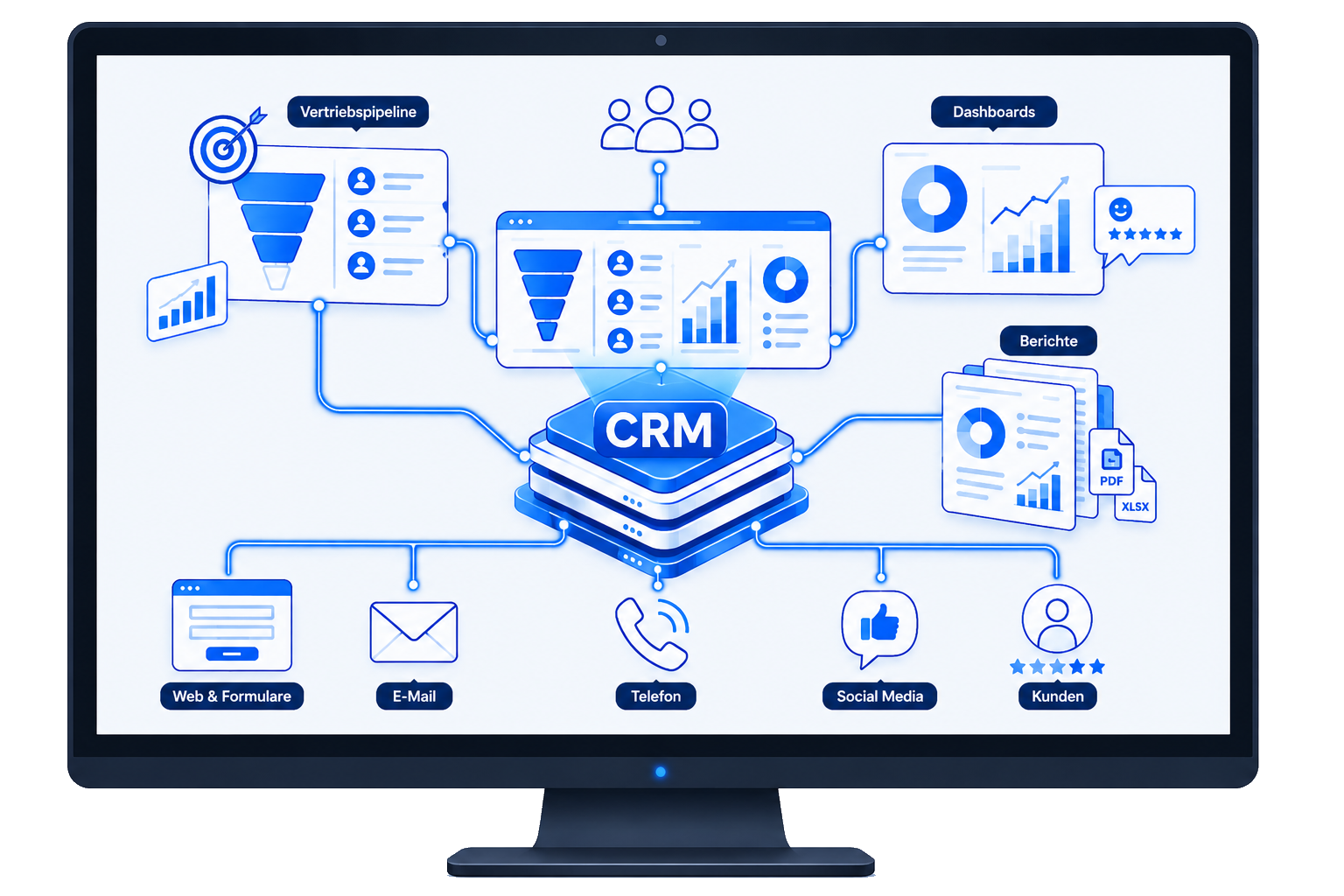
OIT integrates customer, sales, and service data into a centralized CRM solution. Existing systems are integrated, processes are automated, and information is made available where employees need it.
Challenge
A lot of customer data. Not enough of an overview.
Contacts, inquiries, quotes, and information are often scattered across different applications. As a result, there is a lack of consistent data and a comprehensive view of customers and processes.
- Distributed Customer Information
- Different data sets
- Manual Data Maintenance
- Lack of Process Overview
- Media Discontinuities Between Sales and Service
- Complex Coordination
Solution
A centralized view. All processes connected.
OIT integrates CRM systems into the existing IT infrastructure and links customer information with ERP, portals, apps, communication systems, and other data sources.
Data can be synchronized automatically, and processes can be managed across systems.
Connect. Automate. Understand customers.
Advantages
Better overview. Less effort.
- Key Customer Information
- Unified Database
- Automated Processes
- Less manual data maintenance
- Transparent Customer History
- Integration of Existing Systems
- Better Collaboration
- Flexibly expandable
Applications:
Centrally manage customer relationships. Intelligently connect processes.
Sales & Leads
Centralize the tracking of leads, sales opportunities, and activities, and develop them in a targeted manner.
Customer Service
Consolidate inquiries, cases, and customer histories and make them available to employees.
Marketing & Communications
Link contacts, campaigns, and customer activities together.
ERP & Processes
Synchronize customer, order, and master data across systems.
From Inquiry to Customer.
Every step is transparent.
Record
Centralize the collection of contacts, leads, and inquiries.
Qualify
Supplement information and evaluate prospective customers in a structured manner.
Edit
Centrally manage tasks, offers, and sales activities.
Connect
Synchronize data with ERP systems, portals, and other applications.
Further Develop
Continuously support customer relationships and follow-up processes.
Case studies
 German
  English